

Škola s nadhledem
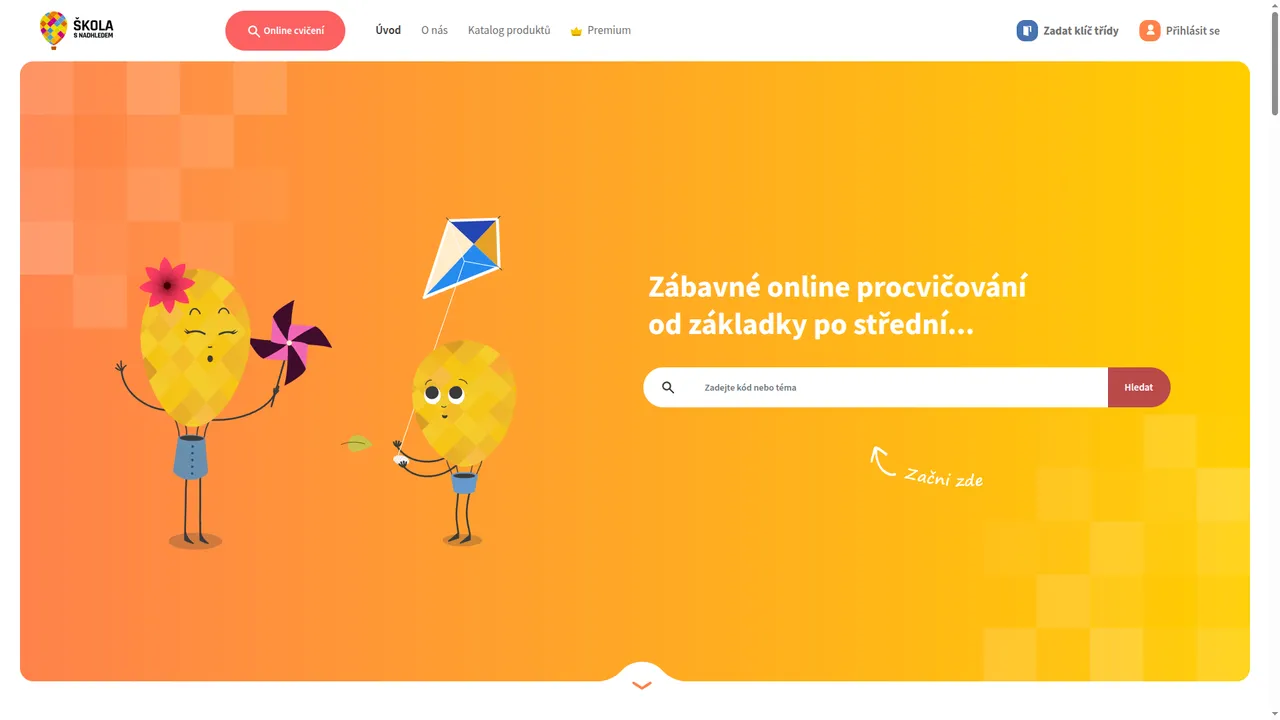
A portal with online exercises for primary and secondary school pupils, which we built with the Fraus publishing house, now Fraus Klett. The exercises follow on from the printed textbooks. Pupils just type the code from the textbook into the search and land straight on the right exercise.
- design, development and growth of the portal, with Fraus
Practice that follows on from the textbook
For pupils, teachers and parents – at school and in home learning.
Together with the Fraus publishing house, we wanted a clear and simple portal with a large database of online exercises. A place that helps pupils master the material they are covering and supports the printed textbooks.
Teachers and pupils have access to an extensive database of exercises on many topics, and the portal helps them master the material even in home learning. And the content keeps growing – the publisher's editors build new exercises themselves, without a developer.
- 6,600+
- online exercises
- primary + secondary
- curriculum coverage
- 1 account
- for all Fraus services
- Fraus Klett
- publishing partner
From the textbook straight to the exercise
Printed Fraus textbooks carry codes for online exercises. Just type the code into the search – the portal recognises it and opens the right exercise directly. Anyone searching by topic gets suggestions as they type.
Five areas the portal is built on
From searching by a textbook code to the editor where new exercises are created.
-
Smart search
The system recognises what the user is looking for and offers results across exercises, publications and topics. A code from the textbook leads straight to the exercise.
-
Multimedia exercise editor
New exercises and pages are built from blocks with different kinds of content, so the database grows without a programmer.
-
Admin for the editors
Images adjust themselves on upload, documents are managed in one place and the text editor is easy to use even with basic computer skills.
-
One Fraus account
Sign-in through the single sign-on of the publisher's main system – one account works for all of its services.
-
Responsive interface
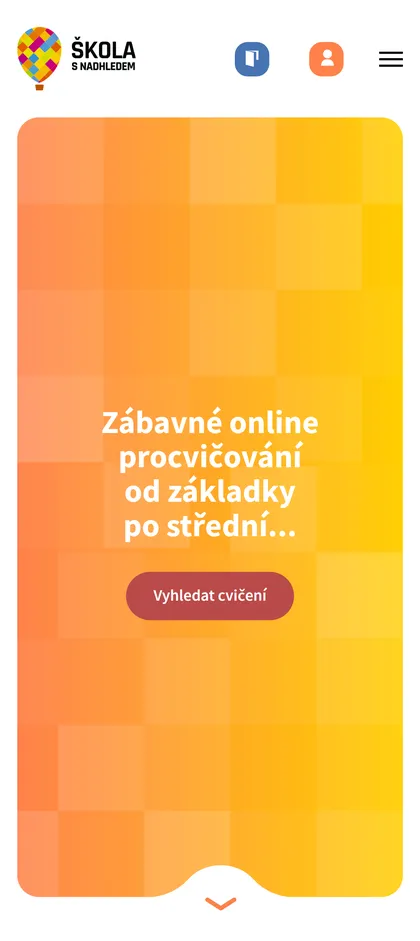
Exercises are easy to use on a phone, a tablet and a classroom computer.
How the project runs today
A portal that grows with its content
Since launch we have kept developing the portal: adding features, improving the interface and tracking how pupils and teachers work with it.
Tied into the publisher's systems
The portal is connected to the publisher's main system – it shares accounts, sign-in and user data with the other Fraus services.
Looking for a reliable partner?
Get in touch with no obligation – a few sentences about what you are dealing with are enough, and you will learn whether we can help, what it might cost and what is needed to get started.